
A few months ago, my job search looked productive on the surface, but in reality, it was painfully inefficient.
Every day, I was sending out 10–15 job applications manually. I’d open multiple tabs, copy-paste my resume, tweak a few lines, and then spend another 20–30 minutes writing a “custom” cover letter that honestly sounded like every other one I had written before.
It felt like I was doing everything right, but the results told a different story.
No interview calls.
Barely any responses.
Just automated rejection emails, or worse, complete silence.
What frustrated me the most wasn’t the effort; it was the lack of progress. I was investing hours every day, yet nothing was improving. My resume wasn’t standing out, my applications weren’t optimized, and I had no real system in place.
That’s when I understood what I was doing wrong. I was not only struggling with the job search process. I did not know how to use AI for job search effectively. Or I can say I was unaware that AI can also be used for this task.
I was doing everything manually while the world had moved on with the evolution of AI. That’s when I decided to use AI for job search.
In this article, I discuss how to use AI for job search and how it has helped me a lot.
What Changed When I Started Using AI for Job Search

When I started using AI for job search, I noticed an immediate shift. Everything that used to take hours started happening in minutes. And more importantly, it started working.
Before, I used to send 10 to 15 applications per day, which increased to 30 to 40 high-quality applications per day without burning out.
AI did not just make things faster; it removed the repetitive chores that were slowing me down.
Also, it helped me create personalized messages for clients.
I started using AI job search tools to rapidly customize my resume for each job description rather than submitting the same one everywhere.
Everything matched exactly what recruiters and applicant tracking systems were looking for, including skills, keywords, and even wording.
Cover letters? That used to be my biggest bottleneck.
Now, I could generate a custom, role-specific cover letter in seconds, and then quickly refine it to sound like me, not a robot.
Before AI, I didn’t even realize how many of my applications were getting filtered out. With AI, I started matching the exact keywords, formatting correctly, and structuring my resume in a way that actually passed screening systems.
So, with AI, job search became a strategic chore instead of blind guesswork.
Read Also: High-Paying AI Careers (Salary, Skills & Step-by-Step Roadmap)
AI Tools That Helped Me Get Interviews Faster
Here are the AI job search tools I used to improve my job search results.
Resume Optimization
Teal
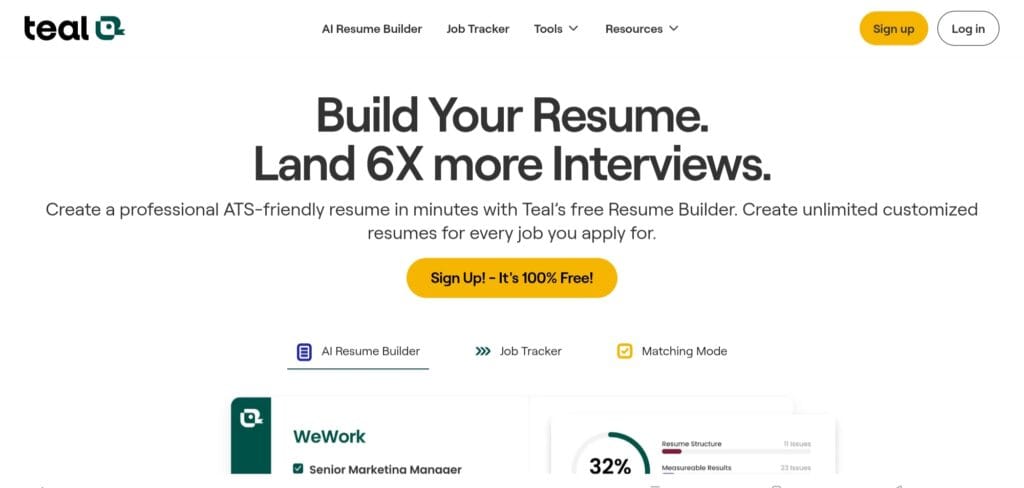
Teal is a perfect tool for creating tailored resumes. You can simply paste the job description into Teal, and it will instantly show missing keywords, skills you should highlight, and how well your resume will match the role.
Kickresume
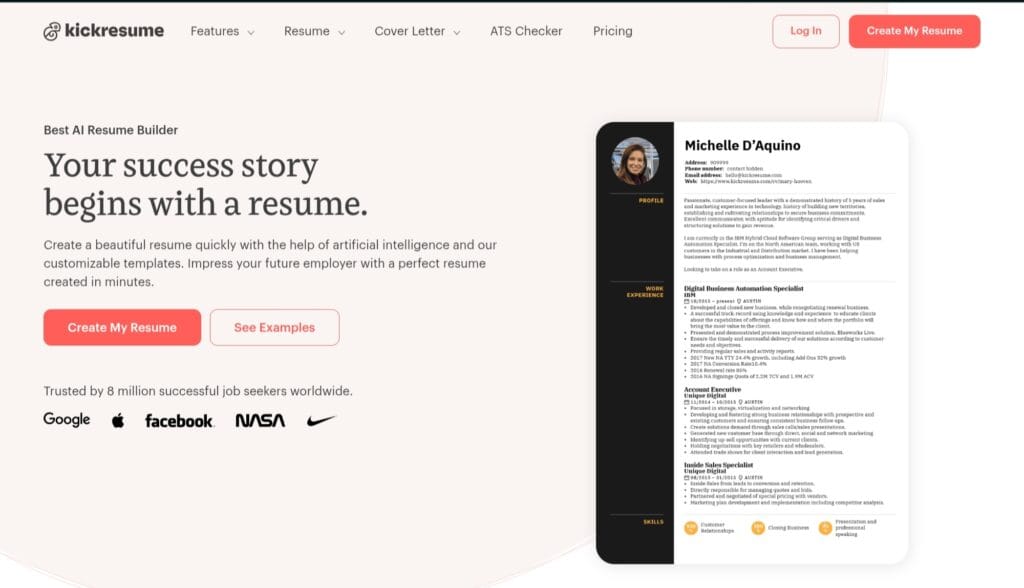
Kickresume offers actual AI suggestions to improve your resume. It makes resumes more results-driven and professional without overcomplicating things.
Cover Letter Generation
ChatGPT
ChatGPT helps generate customized cover letters for a specific job.
Instead of starting at a blank page, you can upload the job description and resume to ChatGPT and give a prompt, “Write a personalized cover letter for this role.”
This will give you a solid draft within seconds, which you can tweak a little to make it sound like yours.
Job Application Automation
Simplify Jobs
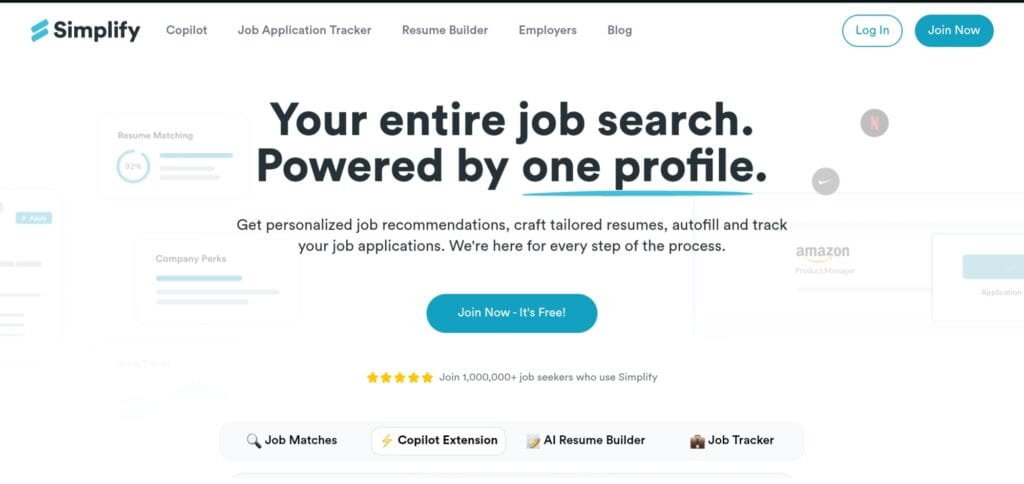
Simplify Jobs is a perfect tool for your job search.
It fills job applications automatically, saves your details, and allows you to apply to multiple jobs quickly without repeating the same steps.
Step-by-Step — How I Used AI to Apply for Jobs Faster
This is the exact system I followed once I figured out how to use AI for job search effectively.

Step 1: Finding Relevant Jobs Faster
Earlier, I used to scroll endlessly through job portals, applying to anything that looked relevant.
Now, I let AI job search tools do the filtering.
I set clear criteria such as –
- Role (e.g., Data Analyst, Web Developer)
- Experience level (Entry-level / Fresher)
- Skills (Python, SQL, React, etc.)
Then I used AI-powered platforms and smart filters to highlight the most relevant jobs, skip low-quality or mismatched listings, and focus only on high-fit opportunities.
Step 2: Creating a Tailored Resume
Instead of using one generic resume, I started matching keywords directly from the job description using tools like Teal.
What I do is paste a job description into the tool, identify important keywords, and adjust my resume accordingly.
I just aligned my skills with what recruiters are looking for. This makes my resume pass through the ATS filter.
Step 3: Generating a Custom Cover Letter
As mentioned earlier, I use ChatGPT to craft cover letters.
This is my prompt – “Write a personalized cover letter for this job based on my resume and the job description. Keep it concise and professional.”
I gave a job description and my resume to ChatGPT. Within seconds, it gives a draft.
Step 4: Automating Applications
Tools like Simplify Jobs help automate the job application process by making the repetitive form-filling task automatic.
It saves my details and automatically goes through the repetitive application process, making it more efficient.
Step 5: Tracking and Improving Applications
Earlier, I had zero tracking. I didn’t even know where I had applied.
Now, I treated my job search like a system.
I used dashboards (like Teal) to track applications, monitor responses, and identify what’s working.
For example, which roles gave more responses, and which resume version performed better? Then I kept improving.
Results — What Happened After Using AI

Before I figured out how to use AI for job search, I felt like I was putting in effort with almost no return. After implementing this system, the difference wasn’t subtle; it was measurable.
This increased my quality and frequency of applications per day. Every application was tailored, ATS-friendly, and role-specific.
As applications were improved, recruiters noticed them, and the number of interview calls increased.
All of this happened without wasting time. Also, it helped boost my confidence.
Also Read: Highest-Paying Careers in the World (With Salaries & Skills)
Mistakes to Avoid When Using AI for Job Search
Using AI gave me a huge advantage, but I also made a few mistakes early on that almost killed my chances. If you’re learning how to use AI for job search, avoiding these will save you a lot of wasted applications.
Sending Generic AI-Generated Resumes
At first, I thought AI could do everything perfectly. I generated a resume once and used it everywhere. This was my big mistake.
Recruiters and ATS systems can easily spot generic resumes that don’t match the role. Even if the content looks polished, it won’t perform if it’s not aligned with the job description.
Not Editing AI Outputs
AI gives you a strong draft, not a final product. There were times when I copied content directly from AI tools, and it sounded too robotic, too formal and not “me”.
Now, I always rewrite the opening lines, add personal context, and adjust tone to sound natural.
That small effort makes a huge difference in standing out.
Over-Automation
When I discovered automation tools, I went all in.
I started applying to too many jobs too quickly, without reviewing each one properly.
The problem was that some roles were not a good fit, some applications lacked context, and the quality of applications started dropping.
The lesson I learned is that AI should increase efficiency, not turn your job search into spam.
Ignoring Personalization
This is the biggest mistake most people make.
Even with the best AI job search tools, if your application doesn’t feel tailored, it won’t work.
Recruiters don’t just look for skills; they look for relevance.
What worked for me is mentioning the company name, aligning skills with the exact role, and adding a small personal touch in cover letters.
FAQs
Can AI really help you get job interviews faster?
Yes, but only if you use it strategically. AI speeds up applications, improves resume quality, and optimizes keywords for ATS systems. When used correctly, it increases both visibility and response rate significantly.
What are the best AI job search tools to use?
Some of the most effective AI job search tools include ChatGPT for cover letters, Teal for resume optimization, and Simplify Jobs for faster applications.
Is it safe to use AI for job applications?
Yes, it’s completely safe, as long as you don’t provide false information. AI should enhance your real experience, not fabricate it. Always review and personalize content before submitting applications.
Can recruiters detect AI-generated resumes or cover letters?
Not directly. Recruiters care more about relevance and clarity. However, generic or overly robotic content can stand out negatively. Editing AI outputs to sound natural and personalized is key.
How many jobs can you apply to using AI daily?
With the right system, you can apply to 30–50 jobs per day without compromising quality. AI reduces manual effort, allowing you to scale applications while keeping them tailored and ATS-friendly.
Is ChatGPT good for job search and resume writing?
Absolutely. ChatGPT is highly effective for generating tailored cover letters, improving resume content, and preparing interview answers, especially when guided with clear prompts and job descriptions.
Final Thoughts
If there’s one thing I’ve learned from this entire experience, it’s this: AI is not a shortcut, it’s a force multiplier.
It won’t magically get you a job overnight. But if you already have the skills, the intent, and the willingness to improve, AI can amplify your efforts massively.
The real difference comes from how you use it.
When I stopped treating AI like a quick hack and started using it with a clear strategy, tailoring resumes, optimizing keywords, tracking results, everything changed. My applications became sharper, faster, and far more effective.
So you can start using AI for job search today and see the difference yourself.
Share Now

More Articles
Will AI Take My Job or create a new one?
How to Integrate AI into Business Operations: A Simple Guide
Building A Career in AI: Skills and Certifications Needed
Discover more from coursekart.online
Subscribe to get the latest posts sent to your email.